
Internal Linking Agent
The Internal Linking Agent reads your sitemap and creates a strategic internal linking plan to enhance your website's rankings.
Advanced options
What the agent is doing
Elapsed: 0:001. Give your input
Waiting2. Agent makes a plan
Waiting3. Research & data
Waiting4. Executes each step
Waiting5. Final report
WaitingResult
By generating an internal linking plan, it strategically connects related content, enhancing visibility and ranking.
📋 How this agent works
Give your input
Type or paste your task, data or file text.
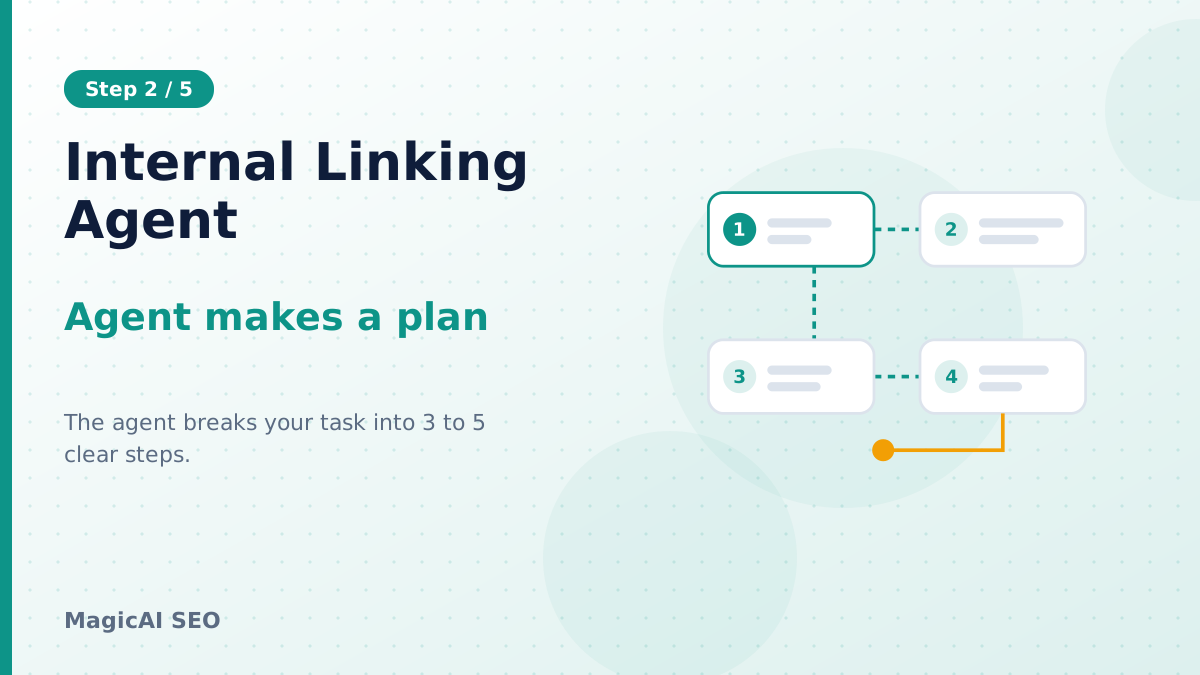
Agent makes a plan
The agent breaks your task into 3 to 5 clear steps.

Research & data
It gathers live web sources when research is on.
Executes each step
Every step is completed using the results of the last.
Final report
You get a structured report to copy, download or print.
About this tool: Internal Linking Agent
What is the Internal Linking Agent?
The Internal Linking Agent is a powerful tool designed to read your website's sitemap and generate an effective internal linking strategy. By identifying which pages should link to one another and what anchor text to use, it helps improve your website's ranking on search engines like Google.
Who is the Internal Linking Agent for?
This tool is ideal for website owners, digital marketers, SEO professionals, and content creators who want to optimize their site's structure and improve search engine visibility. It assists those looking to enhance their internal linking strategy to drive more organic traffic.
How to Use the Internal Linking Agent Step by Step?
- Input Your Sitemap: Start by pasting your sitemap URL into the tool. This will provide the foundation for the internal linking plan.
- Optional Inputs: If desired, include 1-2 important page URLs along with your main keyword to tailor the results.
- Execute the Plan: The agent will generate a plan outlining which pages should link to each other and the appropriate anchor text to use.
- Review the Results: Once the plan is executed, you will receive a report that can be copied, downloaded, or printed.
- Ask for Improvements: If necessary, you can request further refinements to the internal linking strategy based on the output.
What are Some Concrete Use Cases?
- Enhancing Blog Navigation: For a blog about digital marketing, you might link from a post on SEO strategies directly to one discussing content marketing, using "content marketing tactics" as the anchor text.
- Improving Service Pages: If you have a services page for social media management, you can link to case studies demonstrating results, using "our success stories" as anchor text.
- Driving Traffic to Key Resources: Link from general resource guides to specific services you offer, such as linking "explore our digital services" to your services page.
- Connecting Related Topics: If you have a tutorial about Facebook ads, you can link to another article discussing social media tools, using "essential tools for social media marketing" as the anchor.
What Are Some Tips for the Best Results?
- Use Descriptive Anchor Text: Ensure that the anchor text clearly describes the linked content; this helps both users and search engines.
- Prioritize Important Pages: Focus on linking to your most valuable pages that you want to rank higher in search results.
- Avoid Over-Linking: Be strategic; too many internal links on a page can dilute the value of each link and confuse users.
What Are the Limitations and Safety Considerations?
While the Internal Linking Agent is a robust tool, it relies on the accuracy of your sitemap. Ensure your sitemap is up-to-date to get the best results. Additionally, consider that internal linking is just one aspect of SEO; it should be used in conjunction with high-quality content and other SEO practices to achieve optimal rankings.
🔒 Privacy & Security
Your input is sent to our AI provider only to create your report. Please do not paste passwords, bank details or ID numbers.
- Input used only to run the agent
- We never sell your data
- Encrypted HTTPS connection
❓ Frequently asked questions
How does the Internal Linking Agent improve SEO?
By generating an internal linking plan, it strategically connects related content, enhancing visibility and ranking.
What is the ideal structure for internal links?
Links should use descriptive anchor text and connect valuable pages, providing clear navigation for users and search engines.
Can I link to external sites using this tool?
No, the Internal Linking Agent focuses solely on internal links within your website to enhance site structure.
Is there a limit on the sitemap size?
There is no specified limit, but larger sitemaps may take longer to process. Ensure your sitemap is properly formatted.
Can I update my internal link strategy later?
Yes, you can revisit the Internal Linking Agent anytime to adjust your strategy based on new content or site changes.
Is there any technical knowledge required to use this tool?
No, the Internal Linking Agent is designed for users of all skill levels, making it easy to input and understand the results.
🔗 Related tools
View all📰 Latest from the blog
View all

Send to another agent
Use this result as the input of another agent