Security Vulnerability Scanner
The Security Vulnerability Scanner scans code for OWASP Top 10 issues and provides secure patch code.
Answer: It specifically scans for the OWASP Top 10 vulnerabilities, including SQL injection and cross-site scripting (XSS).
How this agent works
Give your input
Type or paste your task, data or file text.
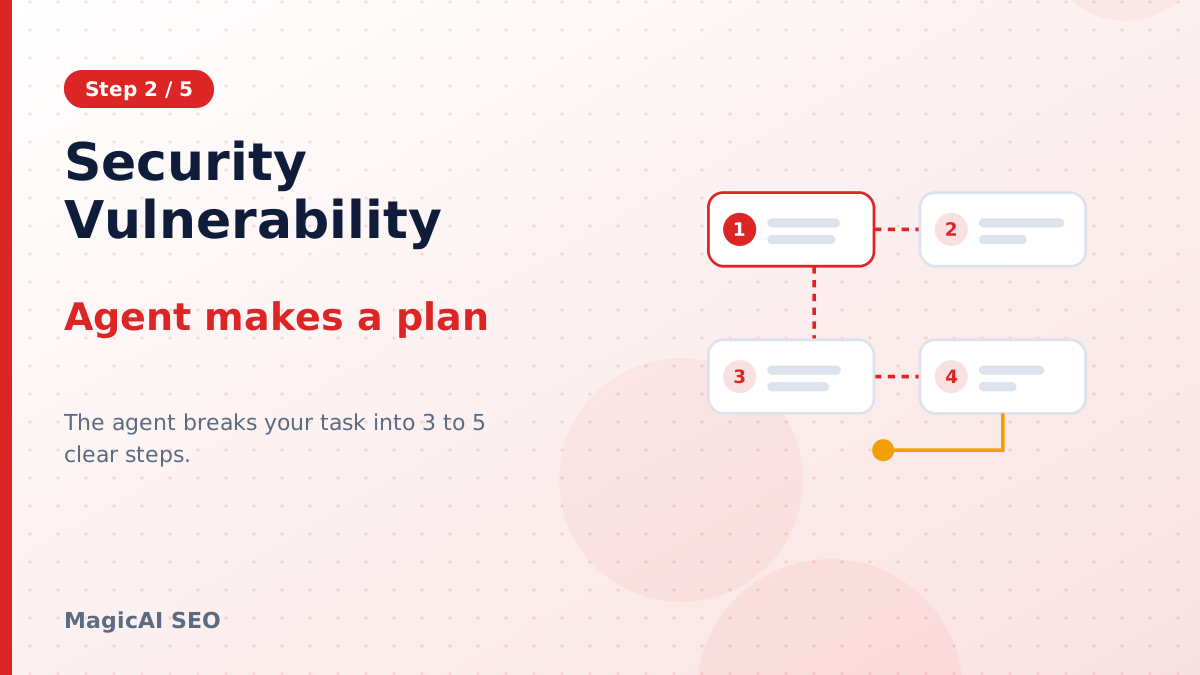
Agent makes a plan
The agent breaks your task into 3 to 5 clear steps.
Research & data
It gathers live web sources when research is on.
Executes each step
Every step is completed using the results of the last.
Final report
You get a structured report to copy, download or print.
About this tool: Security Vulnerability Scanner
What is the Security Vulnerability Scanner?
The Security Vulnerability Scanner is a specialized tool designed to automatically scan code for common security vulnerabilities, specifically the OWASP Top 10. By identifying risks such as SQL injection and cross-site scripting (XSS), it provides secure patch code to strengthen your applications.
Who is this tool for?
This tool is essential for developers, DevOps teams, application security professionals, and organizations that prioritize secure coding practices. It helps ensure that applications are safeguarded against common vulnerabilities without requiring extensive manual intervention.
How to use the Security Vulnerability Scanner: Step by Step
- Input your code: Paste the code snippet you want to check directly into the tool's input area or upload a file.
- Plan creation: The scanner will generate a 2-5 step plan to address vulnerabilities found in your code.
- Live web research: Optionally, the tool may conduct live web research to enhance the analysis.
- Execution: The scanner executes each step, applying necessary patches to enhance security.
- Final report: Receive a detailed report for download in formats such as Markdown, TXT, Word, or HTML.
What are some use cases for the Security Vulnerability Scanner?
- Web Application Development: While developing a new web app, developers can continuously scan their code for vulnerabilities to ensure security from the ground up.
- Legacy Code Maintenance: Before updating or refactoring legacy applications, teams can use the tool to scan for existing vulnerabilities.
- Compliance Checks: Organizations can run vulnerability scans as part of compliance requirements to adhere to industry standards.
- Integration into CI/CD Pipelines: The scanner can be integrated into continuous integration and deployment processes to ensure ongoing code security.
Tips for the best results with the Security Vulnerability Scanner
- Use clear, concise code: Ensure the code you paste is clean and understandable for the scanner to work effectively.
- Update regularly: Keep the tool updated to ensure that it recognizes the latest vulnerabilities and patches.
- Test in stages: If working on large projects, consider scanning in smaller sections to get more precise results.
- Review reports thoroughly: Examine the final reports closely to understand the vulnerabilities and the suggested patches.
What are the limitations and safety considerations?
While the Security Vulnerability Scanner is a robust tool for identifying and addressing vulnerabilities, it may not catch all potential issues. It’s crucial to complement its findings with manual reviews, especially in complex systems. Additionally, care should be taken when applying patches to ensure that they do not unintentionally break functionality. Always test your patched code in a secure environment before deployment.
Frequently asked questions
Question: What kinds of vulnerabilities does the Security Vulnerability Scanner identify?
Answer: It specifically scans for the OWASP Top 10 vulnerabilities, including SQL injection and cross-site scripting (XSS).
Question: How does the scanner deliver results?
Answer: The scanner provides a final report that can be downloaded in various formats, such as Markdown, TXT, Word, or HTML.
Question: Can I scan large codebases with this tool?
Answer: Yes, but it's recommended to scan in smaller sections for the most accurate results.
Question: Is the tool suitable for non-technical users?
Answer: While it’s primarily designed for developers and security professionals, users with basic coding knowledge can utilize its features effectively.
Question: Does the scanner provide suggestions for resolving vulnerabilities?
Answer: Yes, it not only identifies vulnerabilities but also offers secure patches to address them.
Question: Can I integrate the Security Vulnerability Scanner into my CI/CD pipeline?
Answer: Absolutely, it can be integrated into existing continuous integration and deployment processes to ensure ongoing code security.